AWS just introduced a new wizard UI called Amazon ECS Express Mode. Amazon ECS is Amazon’s own container orchestration service. Compared to EKS, it is much simpler. However there are still quite a number of concepts (eg. task definition, task, service etc) to learn and steps to perform. ECS Express Mode simplifies it to just a single page or single CLI command. It’s like the equivalent of LightSail for EC2.
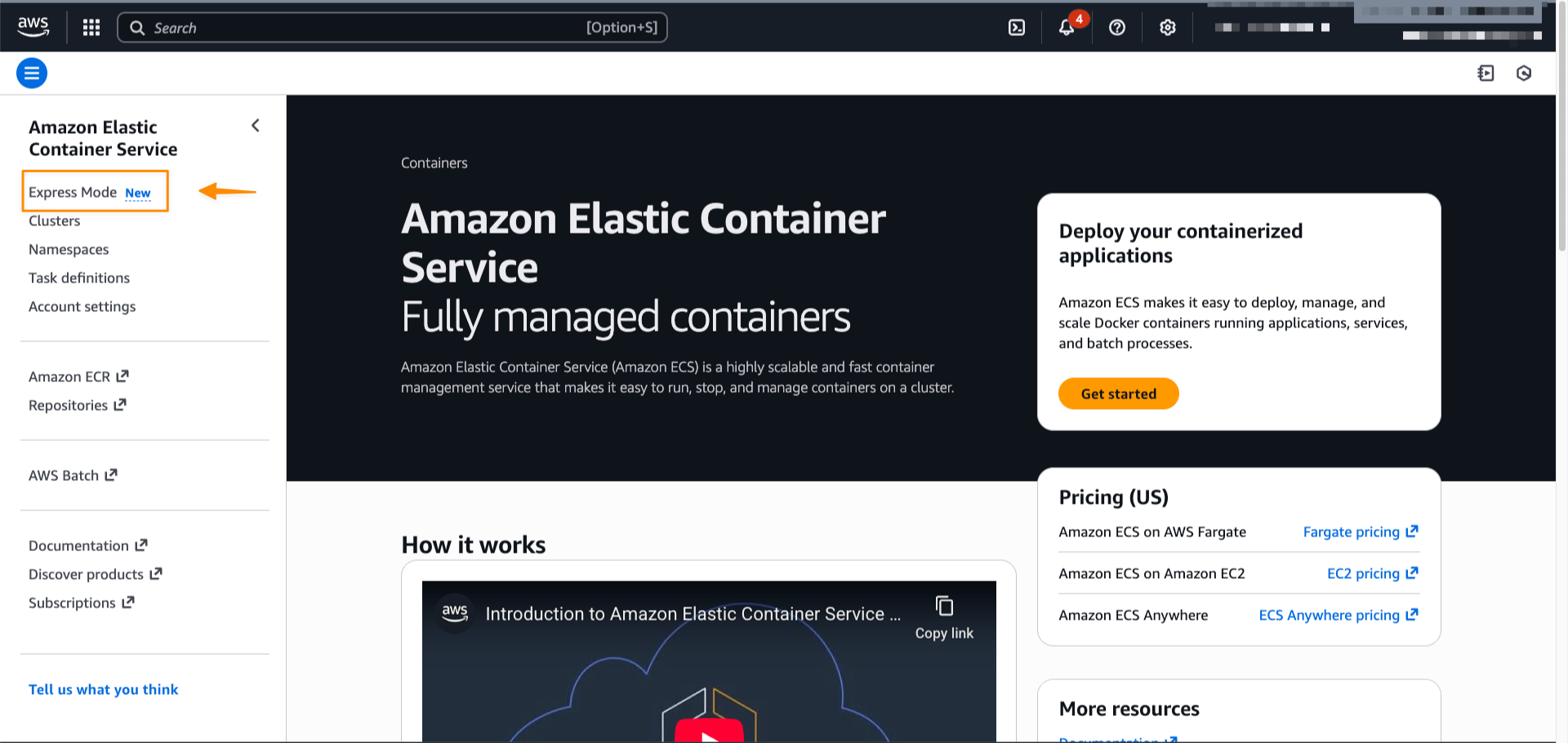
Honestly, I am not sure who the intended audience is for ECS Express Mode. It is ok for spinning up something quickly for demonstrations or testing purposes. However, for teams operating production-ready ECS clusters, the required configurations are typically more complex, eg. multiple container images, more sophisticated autoscaling strategies, and various networking and storage requirements etc. A more useful feature might be to import docker compose configuration directly.
Amazon ECS Express Mode provides a simplified interface to the Amazon ECS service resource with new integrations for creating commonly used resources across AWS. ECS Express Mode automatically provisions and configures ECS clusters, task definitions, Application Load Balancers, auto scaling policies, and Amazon Route 53 domains from a single entry point.